Market
Open a store on your website and get paid for ranks, kits and coins. Players get what they bought in game right away.
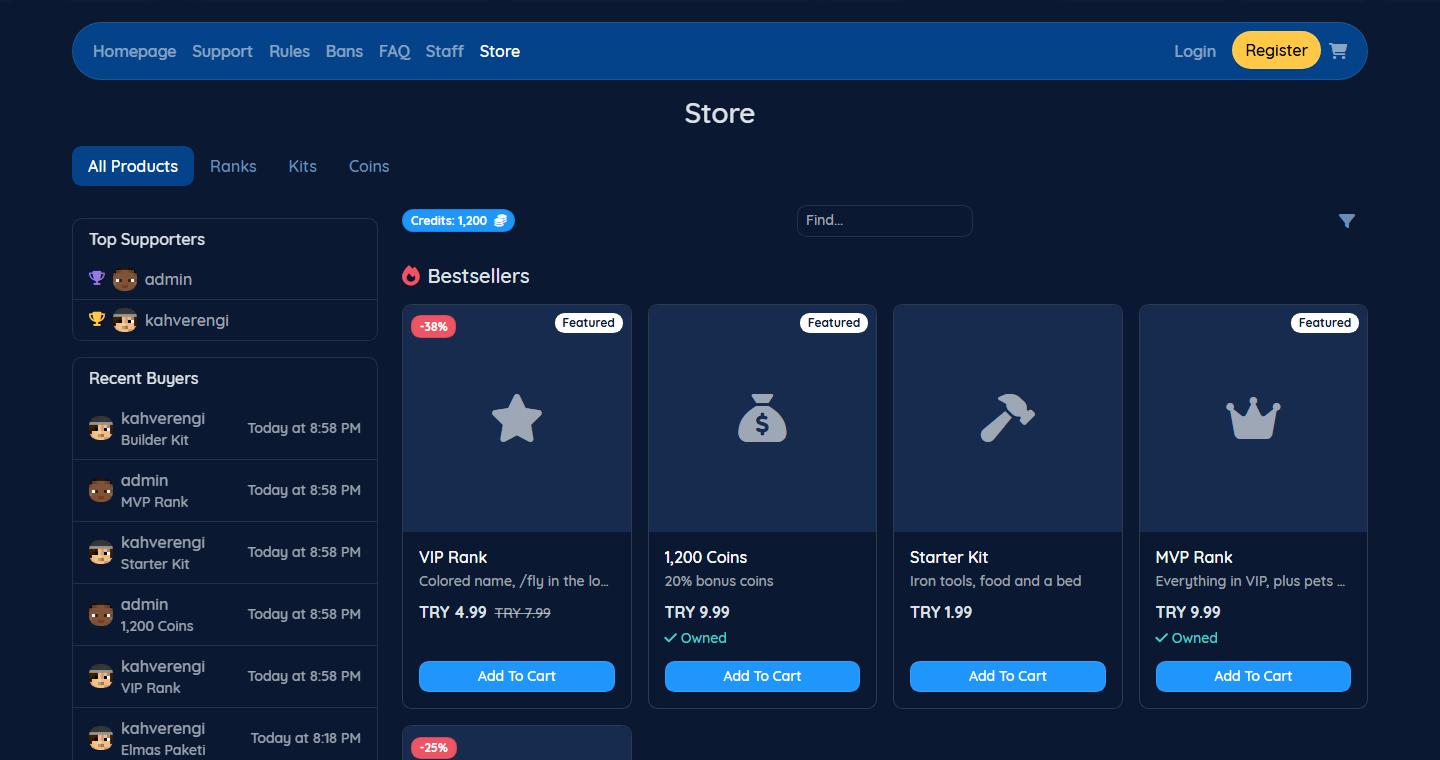
Pano Market adds a store to your Pano website. Your players pick what they want, pay, and receive it on your Minecraft server within seconds, even if they were offline at the time. You manage everything from your panel.
What you get
- 🛒 Your own store: Products in categories, sales, a cart and an easy checkout.
- ⚡ Instant rewards: Ranks, items and coins arrive in game as soon as the payment goes through.
- 🪙 Store coins: Sell coin packs and let players spend them in your store.
- 🔁 Monthly ranks: Subscriptions that renew by themselves.
- 🎁 Gifts: Players can buy something for a friend.
- 🏷️ Coupons and sales: Discount codes, creator codes and limited-time offers.
- 📊 Clear numbers: See your sales and best sellers at a glance.
- 🌍 In your players' language: Messages in game follow the language each player uses on your website.
Screenshots
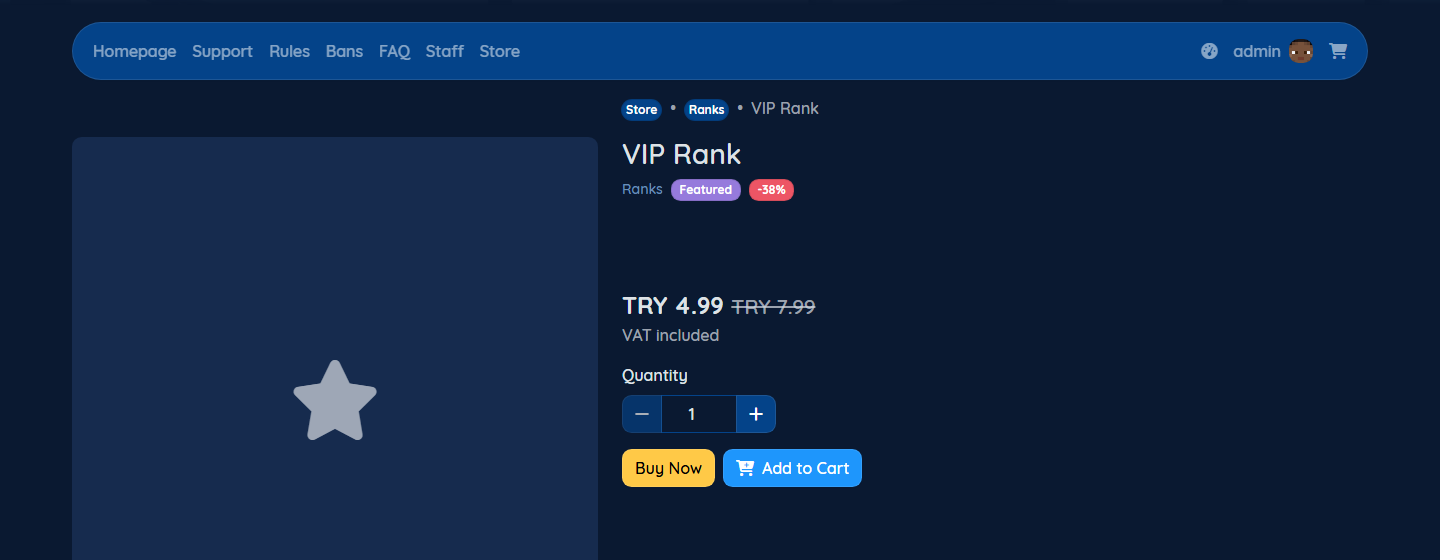
A clean page for every product.
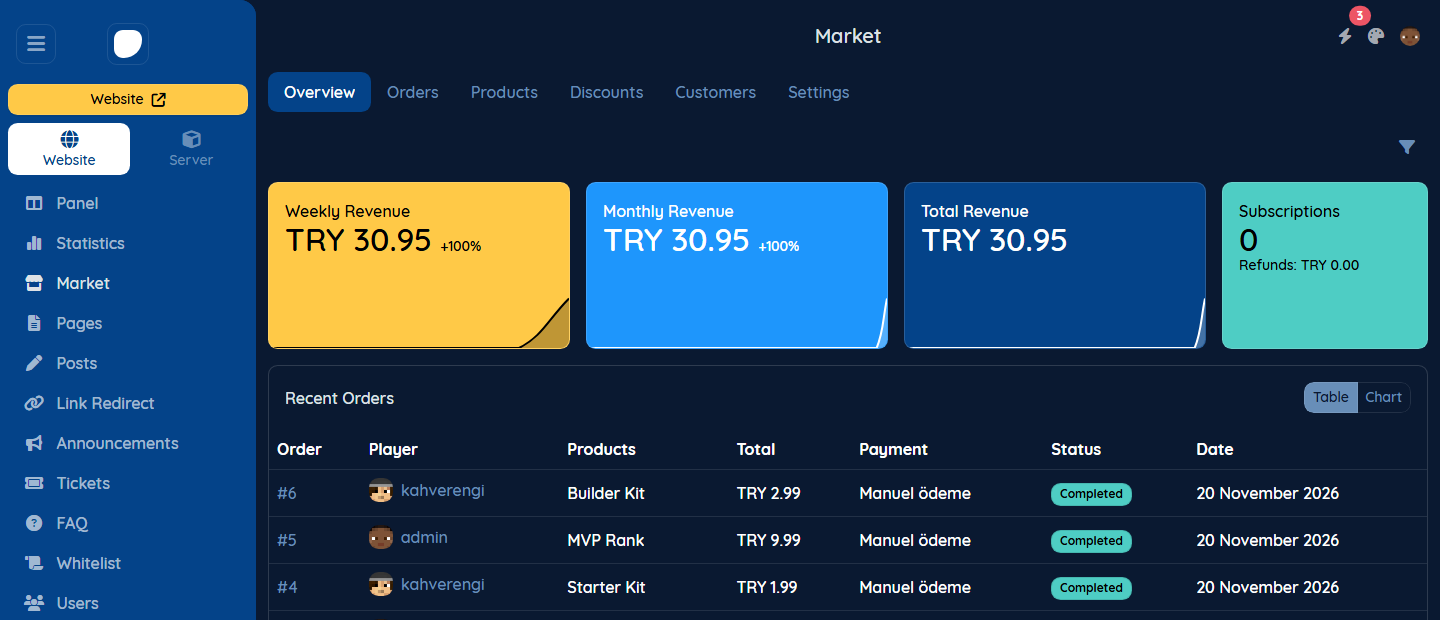
Your sales and latest orders in your panel.
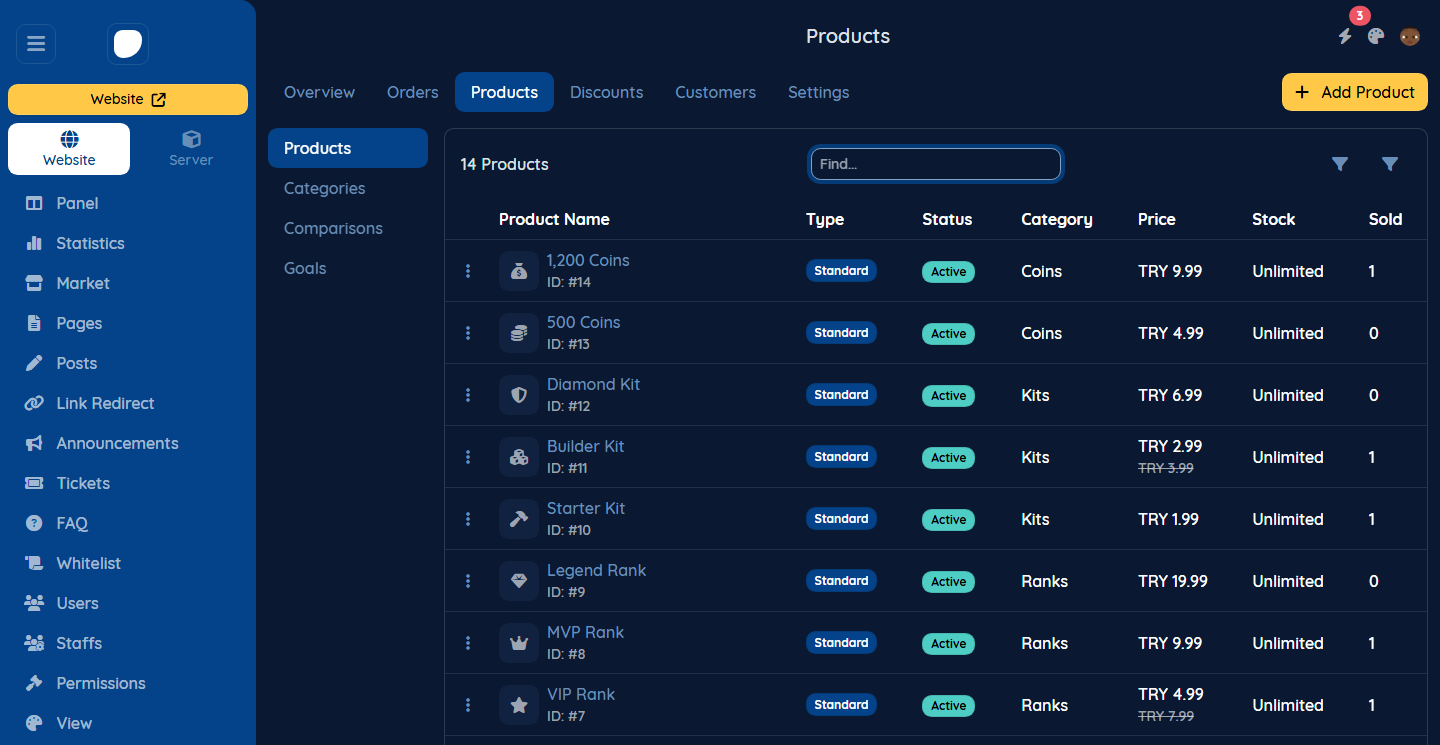
Add a product in a minute and choose what the player gets.
Payment methods
Bank transfer and store coins work out of the box. For card and online payments, add the payment method you want from Addons:
| Region | Payment methods |
|---|---|
| 🌍 Worldwide | Stripe · PayPal · Tebex · PayNow · Paymentwall · Skrill |
| 🇪🇺 Europe | Mollie · Przelewy24 |
| 🇹🇷 Türkiye | iyzico · PayTR · Shopier · Param · Sipay · Moka United · Esnekpos · Paynet · Tami · weepay · Paywant · Mobil Ödeme |
| 🌎 Latin America | Mercado Pago |
| 🇷🇺 Russia | YooKassa |
| ₿ Crypto | Coinbase · BTCPay Server · NOWPayments |
Game integration
To give players what they bought in game, put the Pano Market Minecraft plugin on your server, next to the Pano plugin (version 1.2.0 or newer).
| Your server | Minecraft versions | Download |
|---|---|---|
| Paper, Spigot, Folia, Purpur | 1.13 and newer | Spigot file |
| BungeeCord, Waterfall | Current versions | BungeeCord file |
| Velocity | Velocity 3 | Velocity file |
| Fabric | 26.1 and newer (with Fabric API) | Fabric file |
The easiest way: open Market > Servers in your panel and click Download. You always get the file that matches your store. Put it in your server's plugins folder (mods on Fabric) and restart the server.
Free and open source: view the source on GitHub.