Media Page
Create gallery pages for your server's best screenshots and videos.
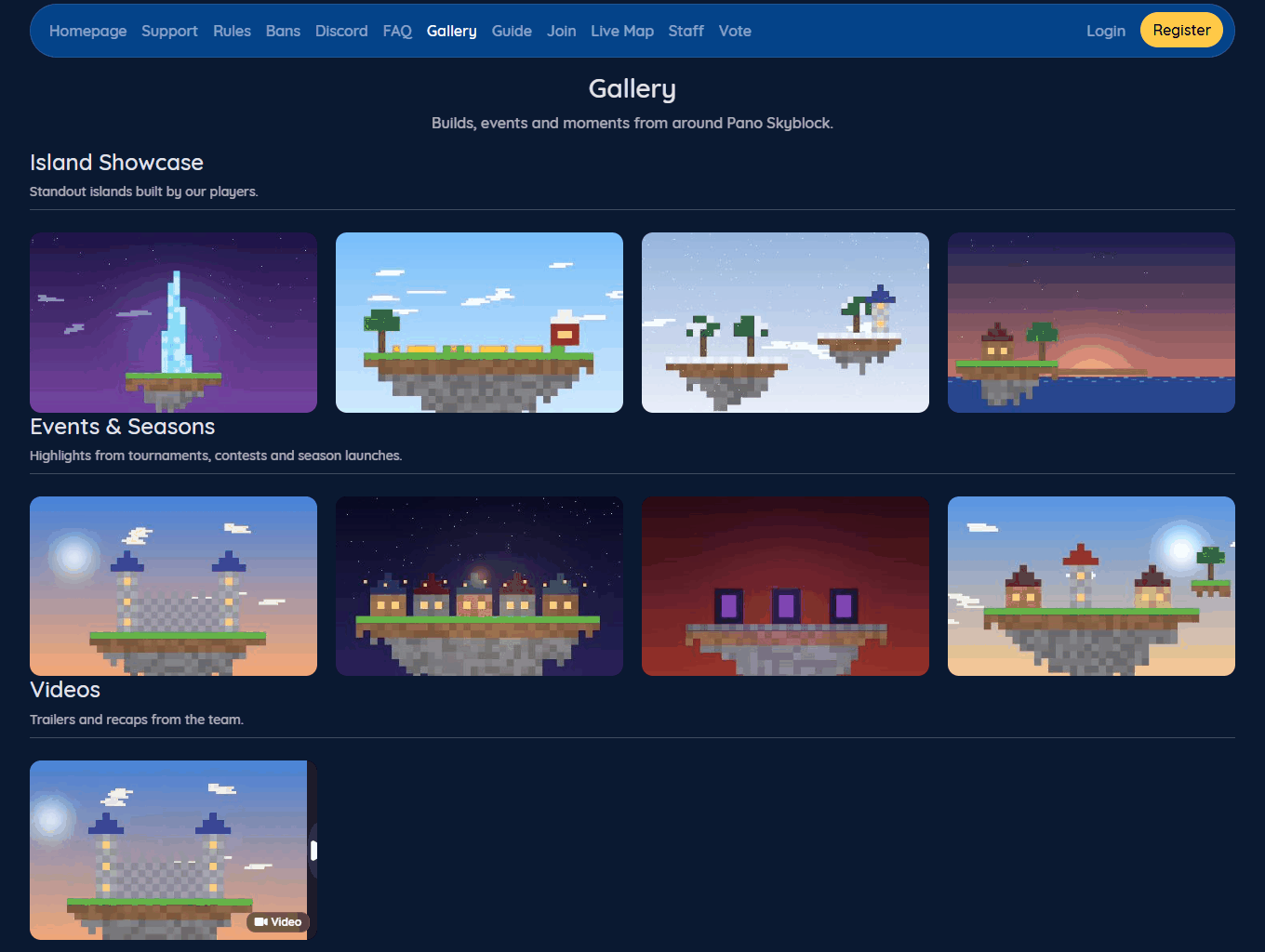
Media Page lets you create gallery pages on your website for screenshots, builds and videos. Group your media into categories, add titles and descriptions, and players can browse everything in a clean grid with a full-screen viewer.
Features
- 🖼️ Gallery pages: Create as many gallery pages as you like, each with its own link.
- 🗂️ Categories: Group your media into sections like builds, events or videos.
- 🎬 Images and videos: Upload pictures and video clips side by side.
- 🔍 Full-screen viewer: Players click any item to see it large and flip through the rest.
- ↕️ Easy ordering: Drag categories and media into the order you want.
- 👁️ Show or hide: Hide a category or a whole page until it is ready.
- 🧭 Menu link: Add a gallery to your website's menu with one switch.
Screenshots
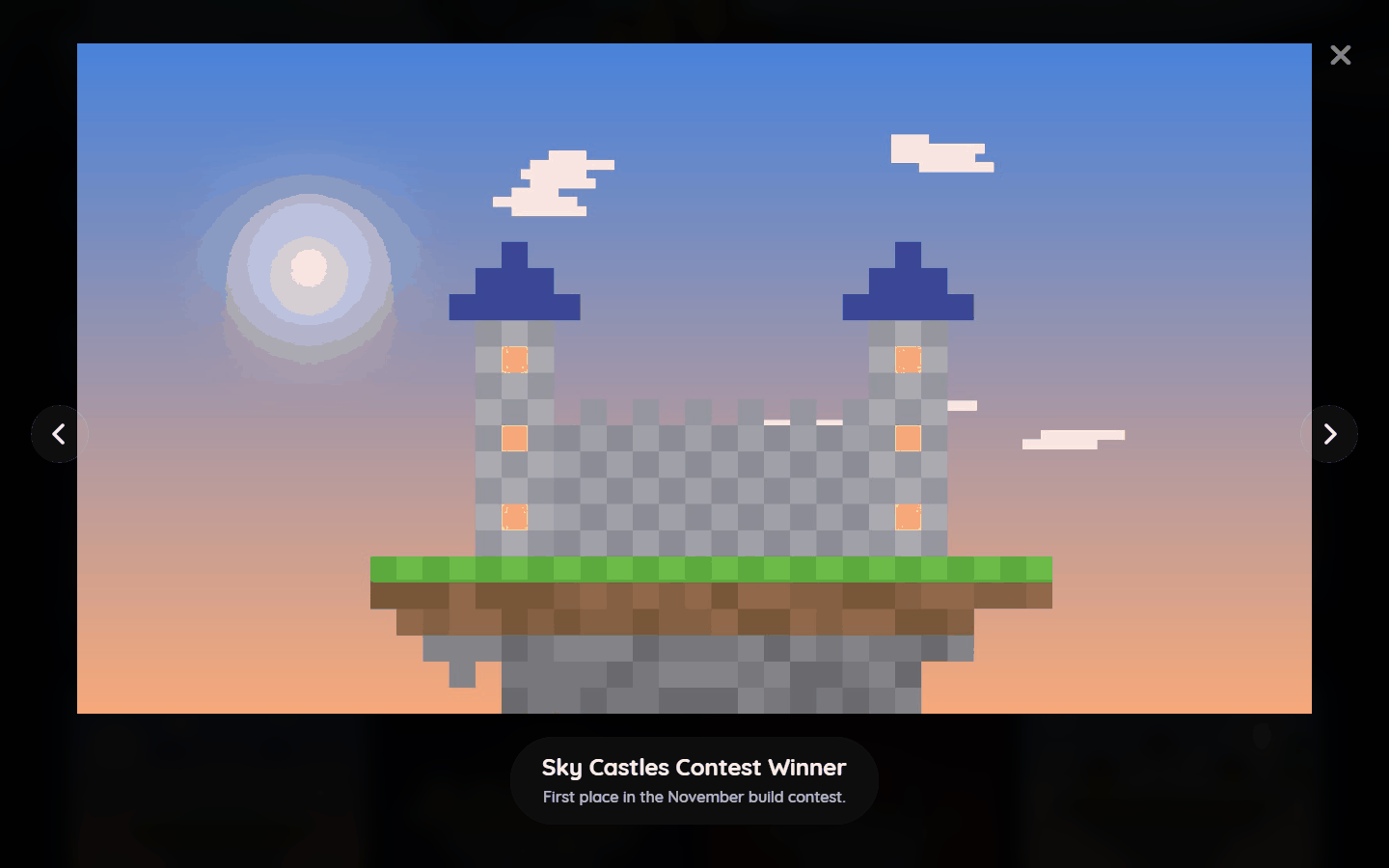
Players click any item to view it full screen and flip through the gallery.
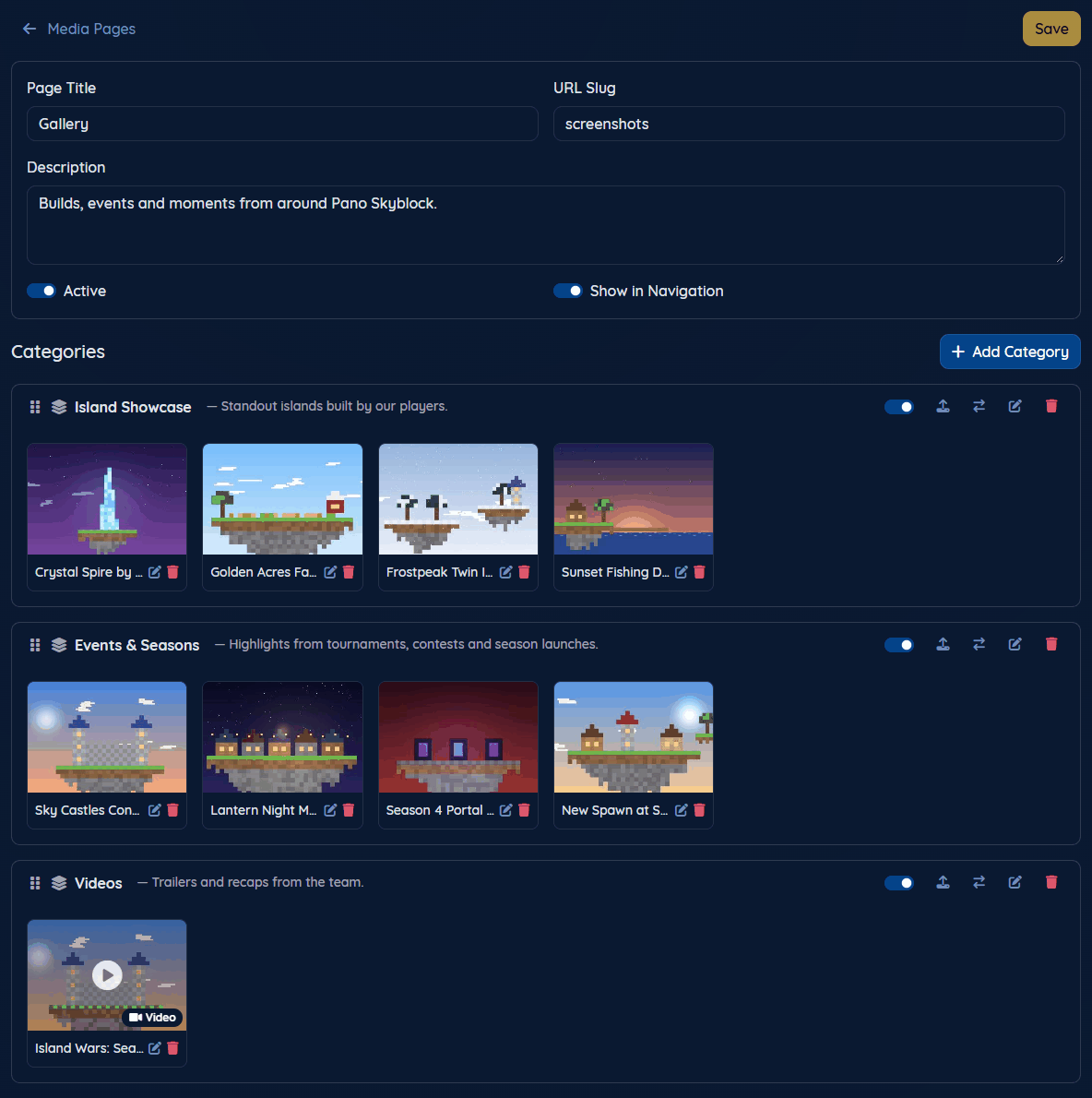
Manage pages, categories and uploads from the panel.
Free and open source: view the source on GitHub.
Details